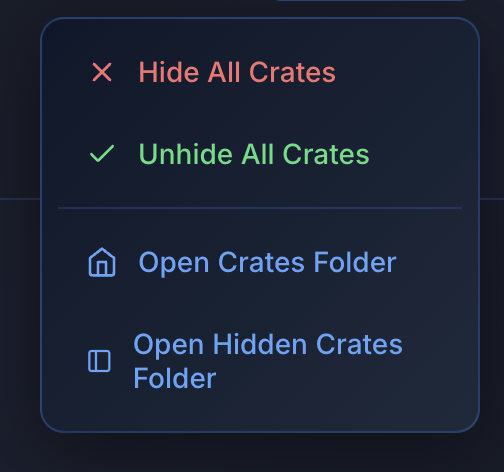
Hide and show crates when you need them.
Clean up Serato. Tuck crates away and bring them back with one click so your library stays organised.
Where should I send the free download?
No spam. Unsubscribe anytime.
Check your email for the download link
Step 1: Check your inbox (and spam)
Step 2: Download and install MLT
Step 3: Open it and click CrateView
Or download now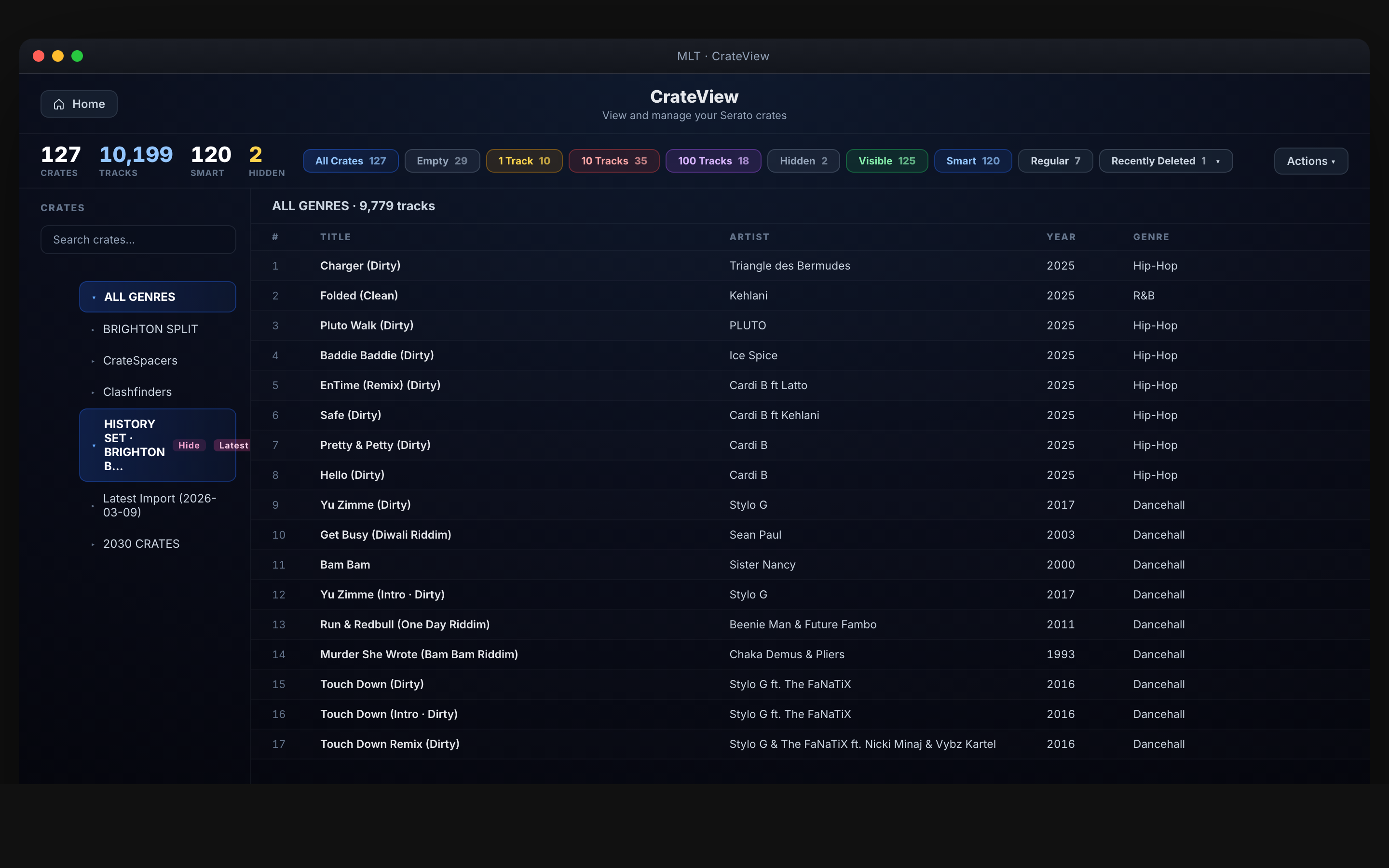
What you get
Clear view of your crate hierarchy
Browse and view all Serato crates and subcrates. Hide and show crates when you need them so your library stays organised.
Manage crates
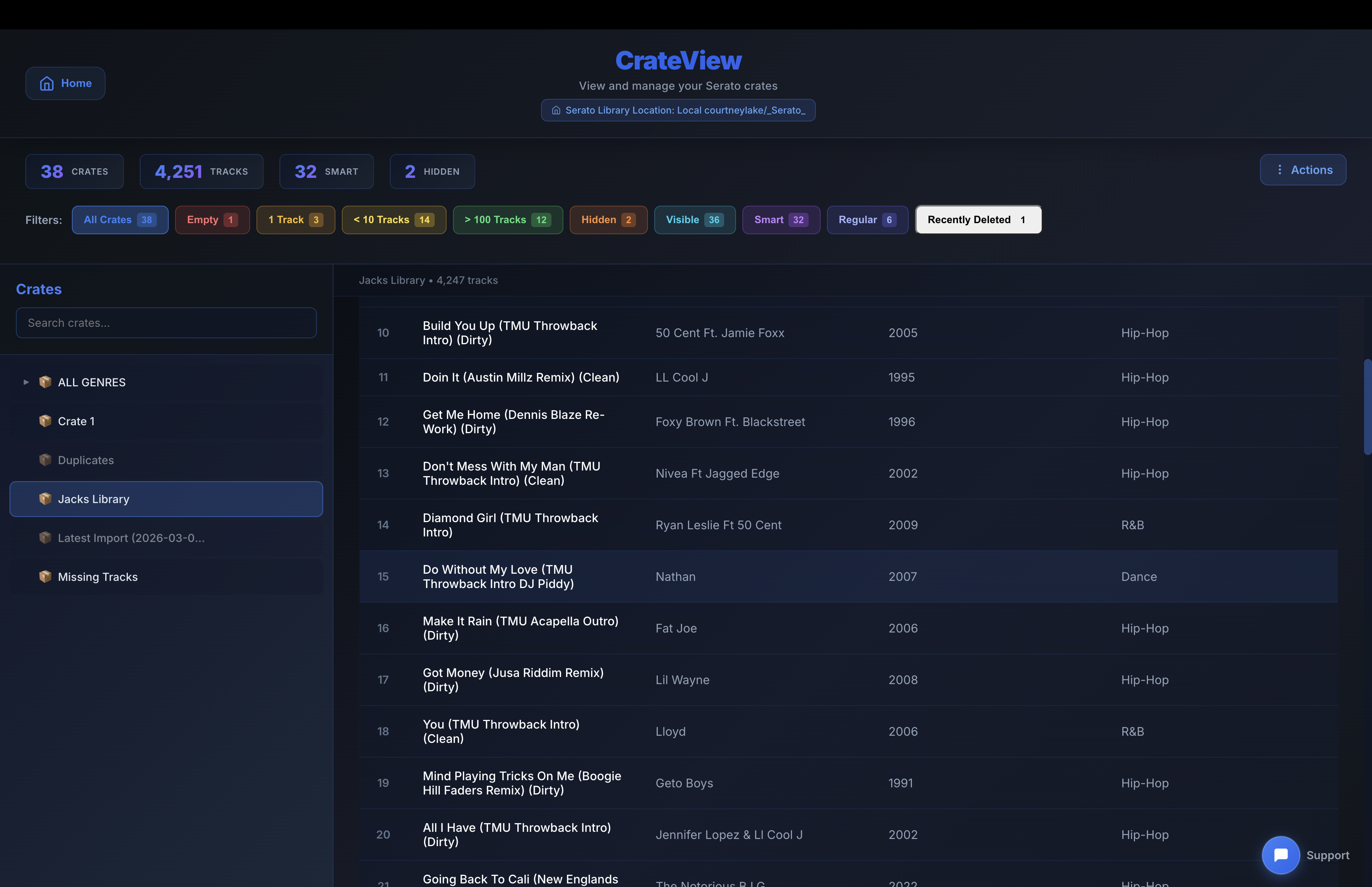
Delete to Trash, filter your list. Free to use—no premium tier.
How it works
- Browse and view all Serato crates and subcrates
- Filter and organise your crate list
- Delete crates or subcrates to Trash
★★★★★
“MLT has been a time saver and also headache saver — my workload cut in half.”
— @djyooshe_themammoth
…
…
Available for Mac & Windows