Move out of iTunes into Serato. In minutes.
Get your music out of iTunes / Apple Music into folders on your computer. Your playlists become Serato crates. Done — you won't need iTunes again.
Full library + playlists preserved
Mac & Windows · Serato · One-time payment · No subscription
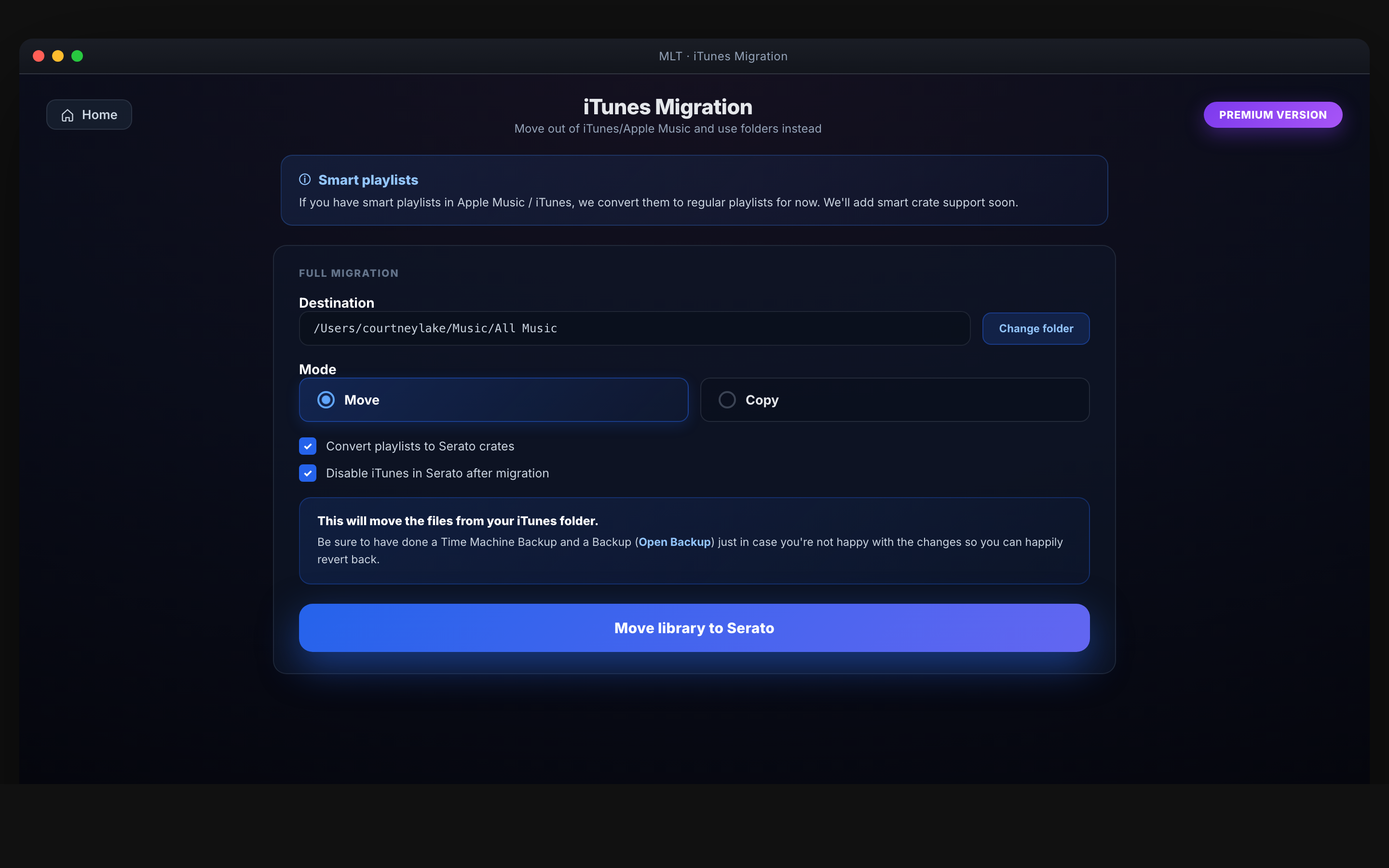
How it works
Library out. Crates in. Serato updated.
Out of iTunes, into folders
Every track comes out of iTunes into folders on your computer. All paths updated — you won't need to open iTunes again.
Playlists → Serato crates
Every iTunes / Apple Music playlist is rebuilt as a Serato crate. The crates you've spent years curating come with you.
iTunes turned off in Serato
MLT disables iTunes inside Serato so it stays out of your way when you're playing.
Compatibility
Serato only. Mac & Windows.
- Serato only.
- Mac & Windows — macOS (Apple Silicon + Intel) and Windows.
- Handles iTunes and Apple Music libraries.
“Music Library Tools has completely transformed the way I manage my tracks. What used to take hours now takes clicks.”
Common questions
Before you buy.
Does this keep my playlists?
Yes — every playlist is rebuilt as a Serato crate.
Will iTunes still work after?
Your iTunes library isn't deleted — we just move your music to folders and update Serato. iTunes is disabled inside Serato so it doesn't trip you up during a set.
Apple Music subscription tracks?
DRM-protected streaming tracks can't be migrated — only files you own. The app flags which tracks it can't take.
Is this a subscription?
No — £29.99 once. Included in MLT Pro.
Serato only